Launching your Sawyer registrations for the first time
Whether you’ve built out your programs yourself or we’ve built them out for you, let our Onboarding team know you’re ready to go live and we can help make sure it goes smoothly! Here are some options for how to open your registration:
Linking out from your site
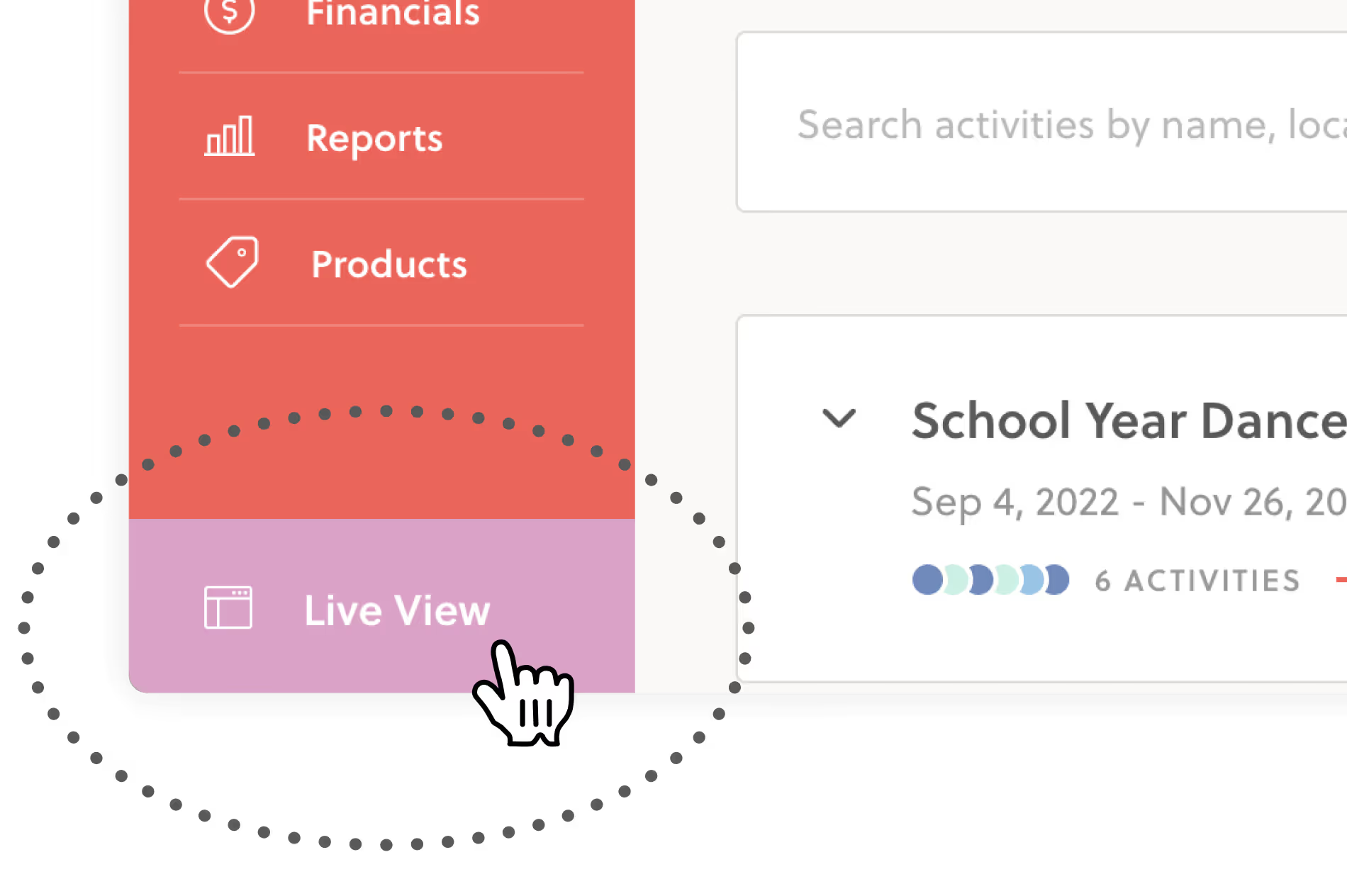
If you want to link out from your site to the hisawyer.com registration links, go to your Live View and collect the URLs of the pages you want to link and add them to your site! Any page that you get to from the Live View can be sent out to and used by customers.
Please note, you should not use any marketplace urls as these will be subject to marketplace fees. The url should always come from your Live View and not hisawyer.com/marketplace.
Embedding the Sawyer widget yourself
If you want to embed the Sawyer widget yourself, let our Onboarding team know and we’ll send you the html embed code(s) for your website. If you have a Wix or Google Site, you can actually use the URL from your Live View to embed the Sawyer widget! No need to get a code from us.
For information on how to embed a widget, please review our help article.
Having our team embed the Sawyer widget
If you want us to embed for you, let us know the URL of the page on your site and where on the page you want the widget added. Be sure to provide admin access to your website!
Keep in mind that programs built in Semesters, Camps/Events, and Appointments will have to be fully built with activity details and pricing, and the timeframe will have to be toggled to Published for them to show on your widget or Live View.
More information on the Sawyer widget or Live View can be found in this Help Center article.
Add ons
- Sawyer Website Builder ($15/month): Create a professional, branded website in minutes with Sawyer’s AI-powered website builder. This tool automatically syncs your programs and registration details, so everything stays up to date without any extra work.


